

Non-Photo Blue Comic Art Boards
$24.99
Sale price
$24.99
Regular price
$27.99
Skip to product information


Non-Photo Blue Comic Art Boards
$24.99
Sale price
$24.99
Regular price
$27.99
Shipping calculated at checkout.
Be print-ready from the first sketch.
Professional 11" × 17" comic art boards with non-photo blue guides for trim, bleed, safe area, and page layout.
BOARDS
PER PACK
PER PACK
11" X 17"
ART BOARD
ART BOARD
SMOOTH
HEAVYWEIGHT
HEAVYWEIGHT
MADE IN
THE USA
THE USA
Description
| Pack Size | 24 boards |
| Board Size | 11" × 17" |
| Stock | Heavyweight 120# smooth |
| Archival | Yes |
| Guides | Non-photo blue |
| Includes | Trim, bleed, safe area & layout guides |
| Finished Page | 6.625" × 10.25" (U.S. standard) |
| Works With | Pencil, marker & ink |
| Production | Made in the USA |
Made here. For creators everywhere.
Scanning & Non-Photo Blue — What to Expect
Non-photo blue was designed for traditional darkroom and copy-camera workflows, where orthochromatic film was blind to blue wavelengths. Modern flatbed and CCD scanners use full-spectrum RGB sensors and will capture the blue guides at standard settings — they are not automatically invisible.
Why the blue may appear in your scan: Most desktop scanners capture all visible wavelengths at once. At default brightness and contrast settings, the guides can register as a faint blue channel in the raw scan file.
Removing the blue in post-processing - common approaches:
- Grayscale conversion - Convert the scan to grayscale. The blue guides typically drop to a very light gray value that can be clipped out by raising the Levels or Curves black point.
- Channel selection (Photoshop / GIMP) — Open the Red channel only. The non-photo blue ink records at its darkest in the Red channel, but your pencil and ink lines record darker still — use Levels to isolate linework and discard the guide tone.
- Brightness/threshold adjustment - Scan in grayscale mode at 600 dpi, then raise brightness or apply a threshold to push the light guide value to white while keeping ink lines black.
- Scanner software presets - Some scanner drivers include a "line art" or "text" mode that applies an automatic threshold; this can eliminate the guides entirely depending on density.
Test before production: Scanner sensitivity and software defaults vary. Run a test scan on a single board before committing to a full project. Adjust your threshold or channel workflow until guides disappear to your satisfaction, then lock in those settings for the run.
Non-photo blue guides are a precision layout tool. A brief post-processing step is standard practice in professional comic production workflows.
Shipping
We will work quickly to ship your order as soon as possible. Once your order has shipped, you will receive an email with further information. Delivery times vary depending on your location.
Manufacturing
We make our products locally, with a hands-on approach to every step of printing and production. Our team personally oversees the process to ensure each product meets our quality standards.
Made for making comics.
Not generic drawing paper with some lines printed on it. PANELS Comic Art Boards are built around the dimensions of a finished comic page, so you can work traditionally while planning for the page that eventually gets printed.

Draw at 11" x 12"
Work large, then reduce your finished artwork to standard comic-book size.

Know where the page ends
Non-photo blue trim, bleed, safe-area, and layout guides take the guesswork out of setting up a comic page.

Use real drawing tools
Our smooth heavyweight stock works with pencils, markers, and inks.

Make it. Scan it. Print it.
Designed around the traditional comic workflow from original art to reproduction.

A
The bristol board texture is quite smooth, allowing for the use of markers and micron pens with ease. There's a little bit of a bleed issue when using markers, but that's with a lot of different paper types so it's a non-issue overall. The markings on the outside for the margins are precise and well made. Will definitely order these again!!
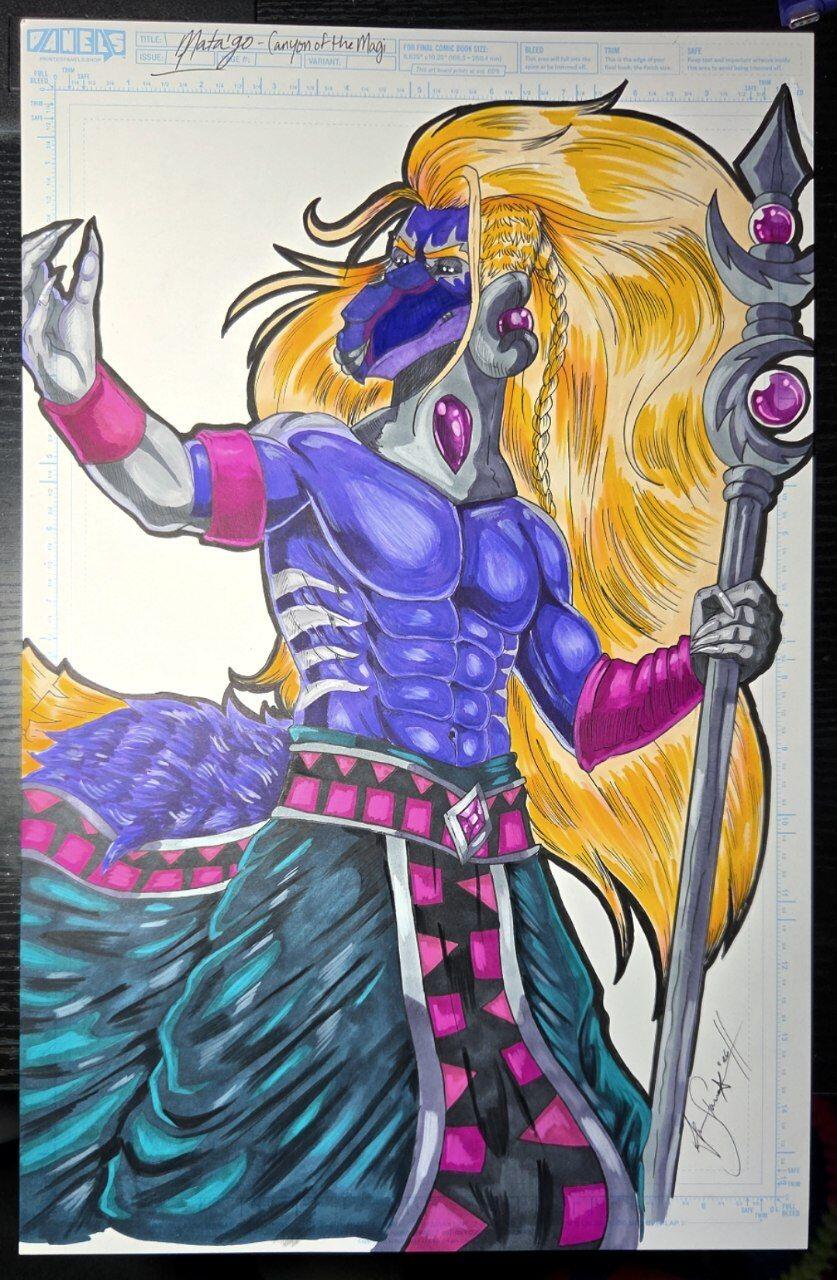
Amanda, thank you! Really appreciate you taking the time to share this. I'm curious about the bleeding you mentioned. Was it bleeding through the paper or spreading a bit on the surface? Always looking for ways to improve our products, so that kind of feedback is super helpful. Glad you're enjoying the boards, and thanks again for the support! 😄
M
good paper
R
Shipped safely and securely. The paper feel is amazing! I can’t wait to unleash some creativity!
Ross, love hearing/seeing that! 😄 Glad everything arrived safely and that you're happy with the paper. Now comes the fun part! Can't wait to see what you create. Thanks so much for giving us a shot!